The Trained Team · $28 · Setup Kit included
Your core team — trained & ready.
Handed to you.
✓ The AI COO Setup Kit is included free with your team
Wake up to a business that ran without you. Your AI does the books, writes your posts, finds your leads, and answers questions — while you sleep. You set it up once. It works on your Mac. No coding.
- Your AI works 24/7 — even while you sleep
- It learns your business and sounds like you
- Step-by-step setup — no coding needed
- Take it at your own pace — most people finish in a weekend
- Built and tested across 8 real businesses
- ✕Trying to set up AI for months — still going in circles
- ✕Every YouTube tutorial assumes you already know the system
- ✕Your AI forgets your business every morning
- ✕You quit. Convinced you're the problem.
✦ The part nobody tells you
The secret no one warned you about:
you were never handed the map.
You're doing every job yourself.
Content, research, admin, visuals, the books — it all lands on you. There's no team, so nothing moves unless you move it.
Training AI from scratch is exhausting.
Every session it forgets you. You re-explain your business, your voice, your rules — over and over — and still get output that sounds like a robot.
So you go back to doing it alone.
The tools didn't stick, the AI didn't remember, and nothing got easier. You're still the whole team — and there are only so many hours in a day.

Elfina
Founder & CEO
I was frustrated with every option out there, so I built my own.
20+ years across film, TV, and service businesses — Hollywood sets to home services to equipment rental, $7M+ combined revenue. One woman, burnt out by year two — so I built this AI. Now it does the work I'd have hired a team for: a marketing manager, a bookkeeper, a researcher — without the payroll.
I've always been a problem solver. What sharpened that was life — my daughter's T1D diagnosis, then a broken back that took me off set and forced me to reimagine everything. I didn't choose to come online. I built my way there. What came out the other side is the most efficient, productive version of myself I've ever known. That's what I'm handing you.
Then everyone who knows me and what I was building said — "you have to share this." So here we are.
"You don't need my brain. You just need my map."
✦ Who's on the team
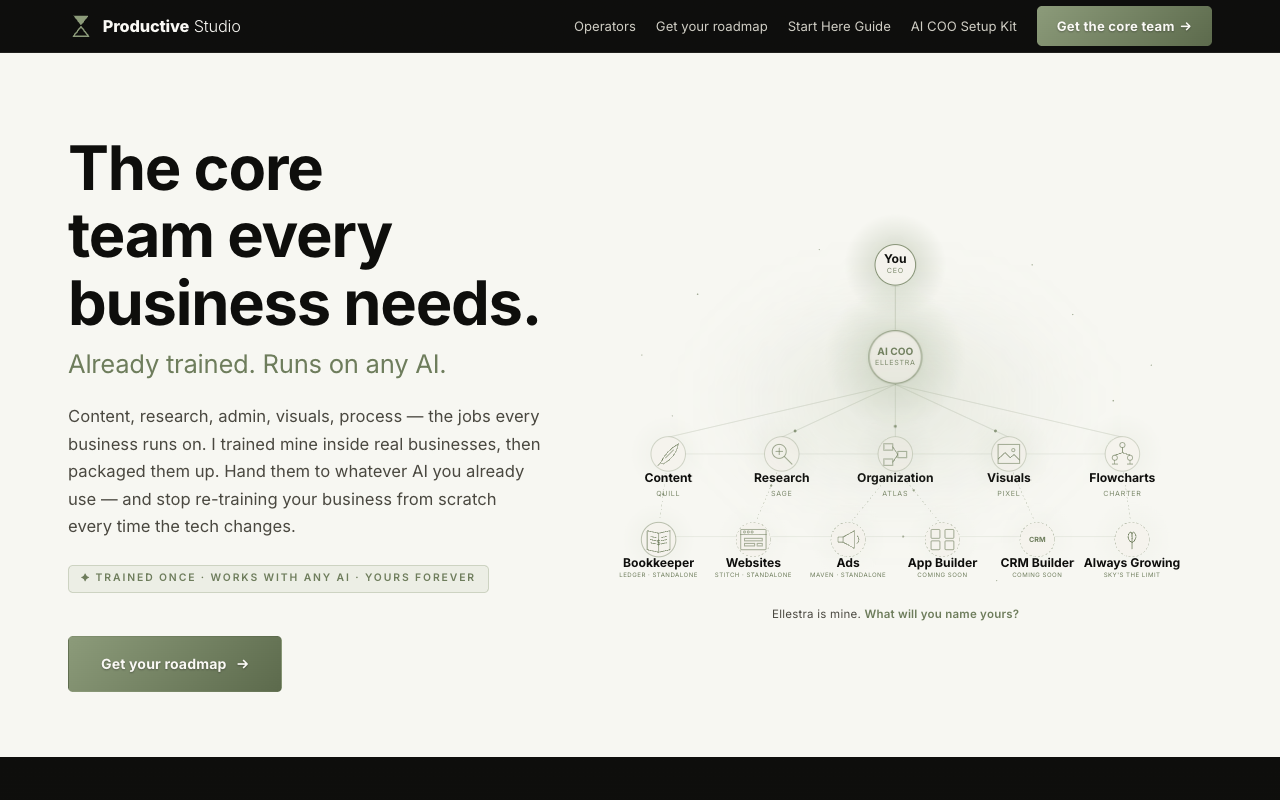
Five operators. One trained team.
Each one is a pre-trained operator — years of how I run my businesses, packed into a file. Your AI takes on the role: your voice, your process, the whole job. No building it yourself, no month of trial and error.

Quill
Content
Your content calendar runs itself. Drafts and schedules — nothing goes out until you say "approve."
View details →
Sage
Research
Hours of research, delivered overnight as a brief you can act on by breakfast.
View details →
Atlas
Admin & files
The admin layer — files renamed, sorted, findable. The busywork just disappears.
View details →
Pixel
Visuals
Slides, decks, socials, ad creative — on demand, on brand.
View details →
Charter
Process
On-brand flowcharts and process maps for anything you run — the visuals no AI tool got right.
View details → ★ Included
Ellestra
Your AI COO
The one who runs them — your own dedicated, always-on AI. The Setup Kit stands her up for you, and you get to name her. Mine is called Ellestra.
See the Setup Kit →Five operators, plus the AI COO that runs them.
One time · delivered instantly · yours forever
✦ The rest of the roster
Five more, for when the work changes.
These are not part of the core five — they are specialists you add when one job starts eating your week. Each stands alone, and each is yours once you buy it, the same as the rest.

Stitch
Websites
Landing pages, one-pagers, full SEO sites — built on brand, live in a day.
View details → ★ Premium
Maven
Ads & marketing
Campaigns, ad copy, SEO and reporting. The marketing team that shows up daily.
View details → ★ Premium
Forge
Apps
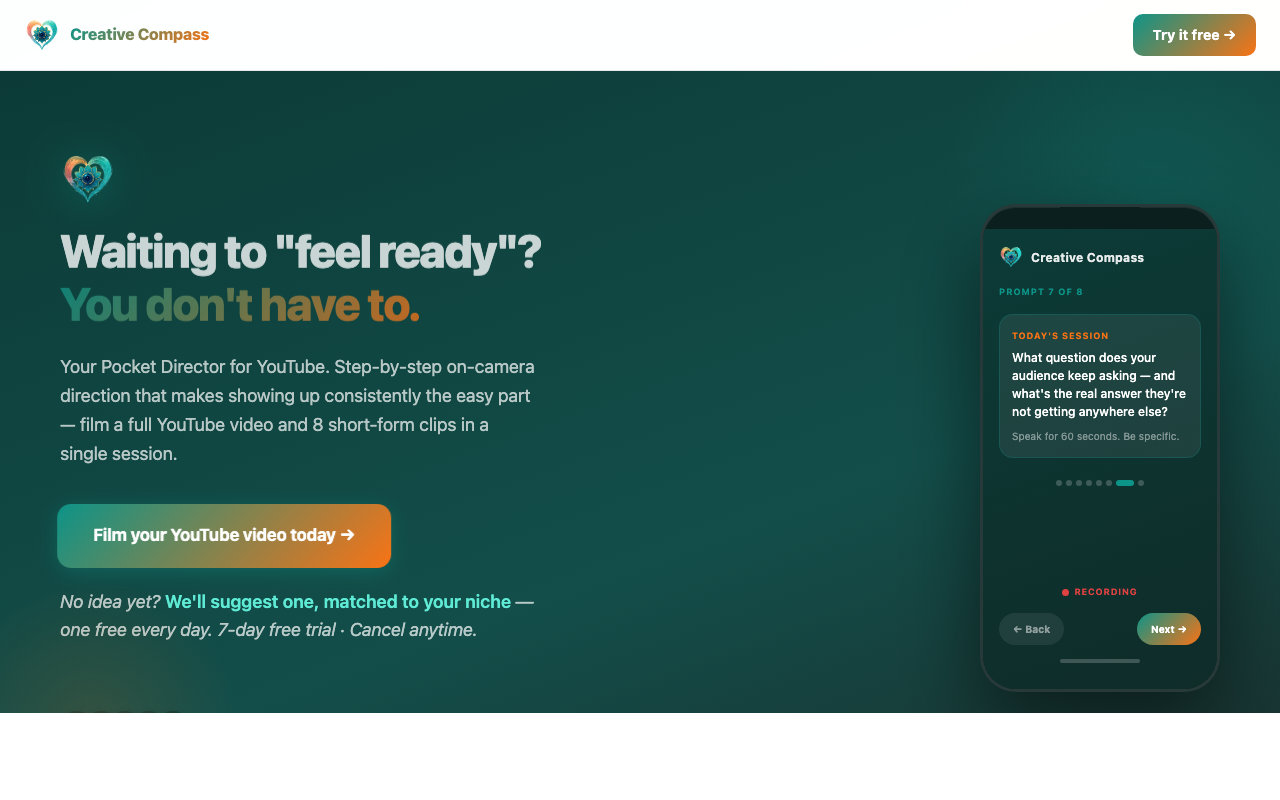
Real apps in production, from a spec. Creative Compass was built with Forge.
View details → ★ Premium
Echo
Content & social
Edits, captions, schedules, posts. The whole content calendar, handled.
View details → ★ Premium
Flip
Video
Scripts, AI voices, animation — written, cast, animated and shipped.
View details → ✦ Best valueThe Big Five
All five · one price
$1,250 $598
A human team doing these five jobs runs $8,000+ a month. This is once.
Get the Big Five bundle →Ten operators in total. Most people start with the core five and add from here.
Same you. A whole team behind you.
- Re-explaining your business to AI every session
- It forgets everything the next morning
- Generic output that sounds like a robot
- Content, research, admin, visuals — all on you
- Months of trial and error to make AI useful
- Still doing everything. Still no time.
- Five operators that already know the work
- Add them to your AI like a skill
- Content, research, admin, visuals — handled
- Trained on how a real business actually runs
- Nothing to build — it works day one
- Your team's working. You got your time back.
✦ How it works
Drop them in. Start today.
Download the team
Buy once and all five operators download instantly. Pre-trained role packs, yours forever.
Add each as a skill
Load each operator into your AI the way you'd add a skill. It takes on the role — your voice, your process, the whole job.
Put them to work
Ask Quill for this week's content. Ask Sage for a research brief. They already know how you work — no long explanations.
Need an AI to run them on? The included AI COO Setup Kit builds you one, step by step — at your pace.
✦ The work, not the talk
8 businesses. One AI system.
20+ years in film and TV. Multiple service businesses with $7M+ combined revenue. Every one running on the same operators you're about to put to work.
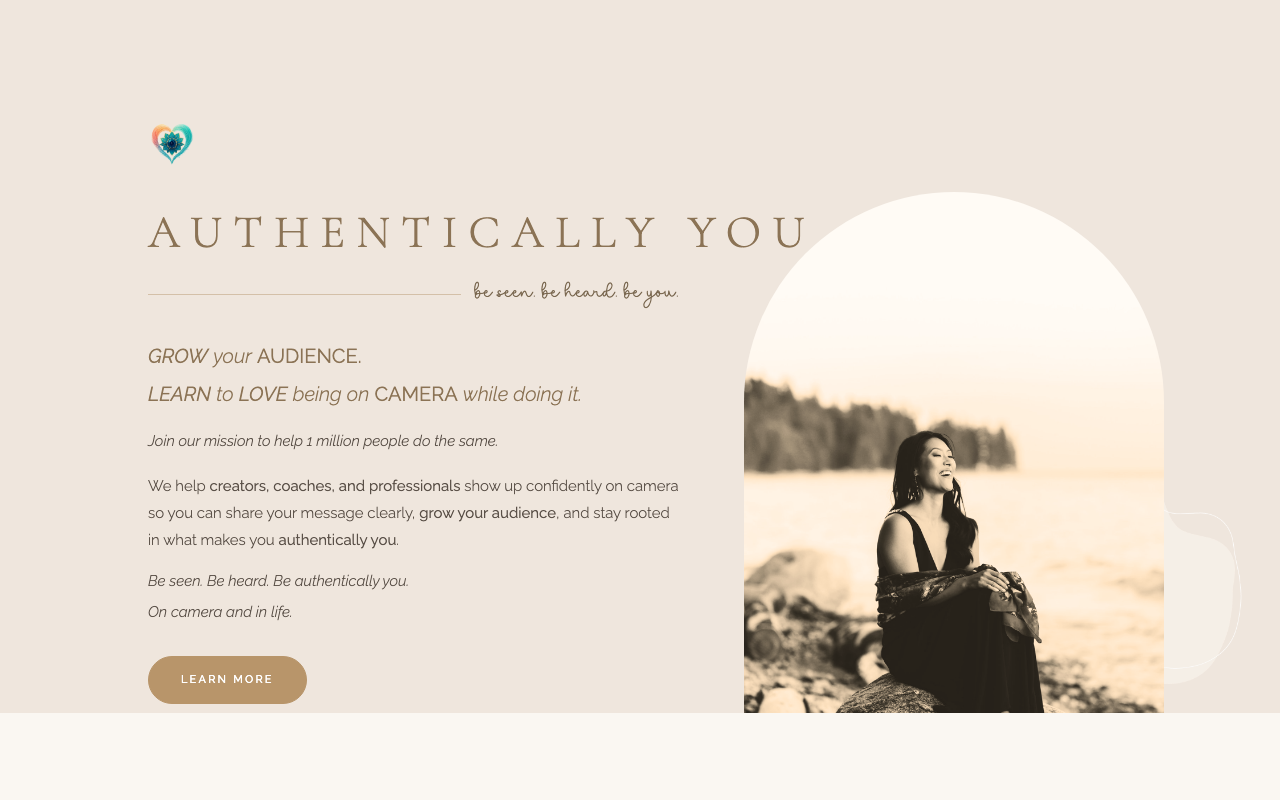
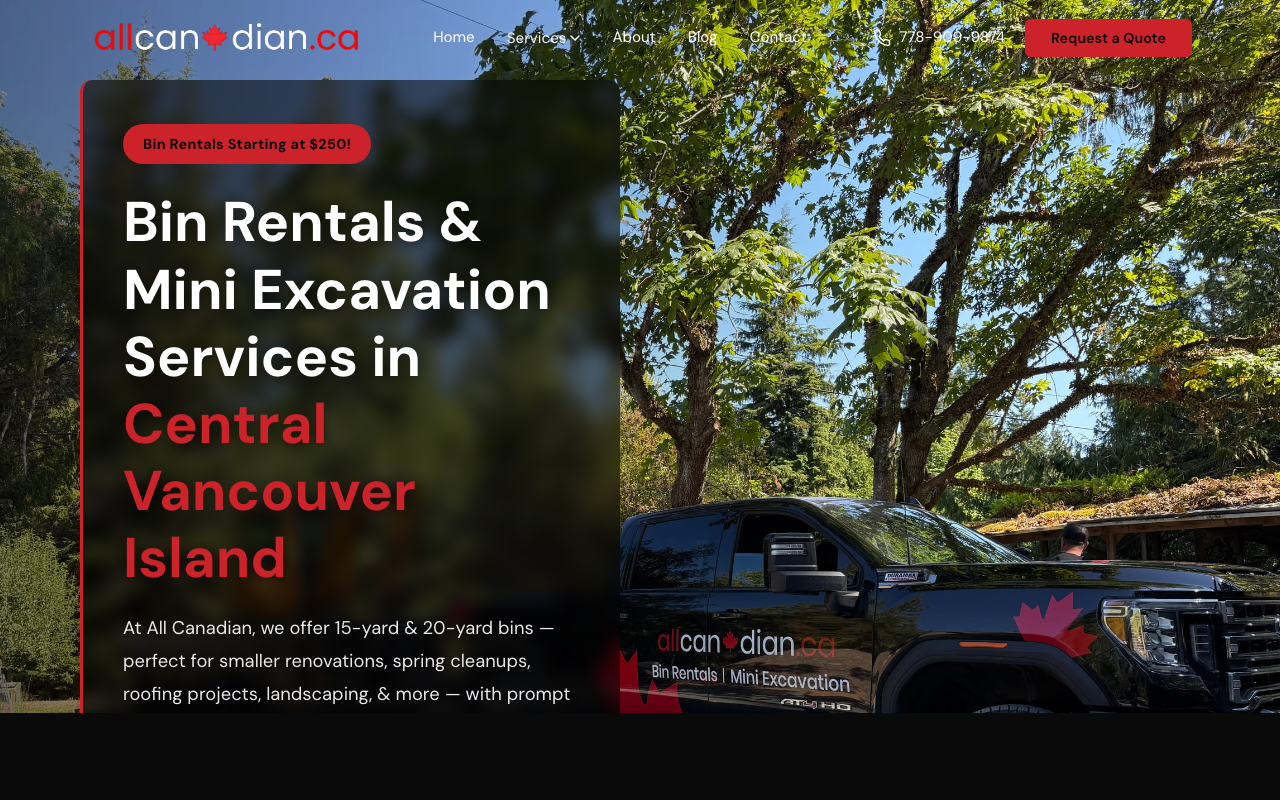
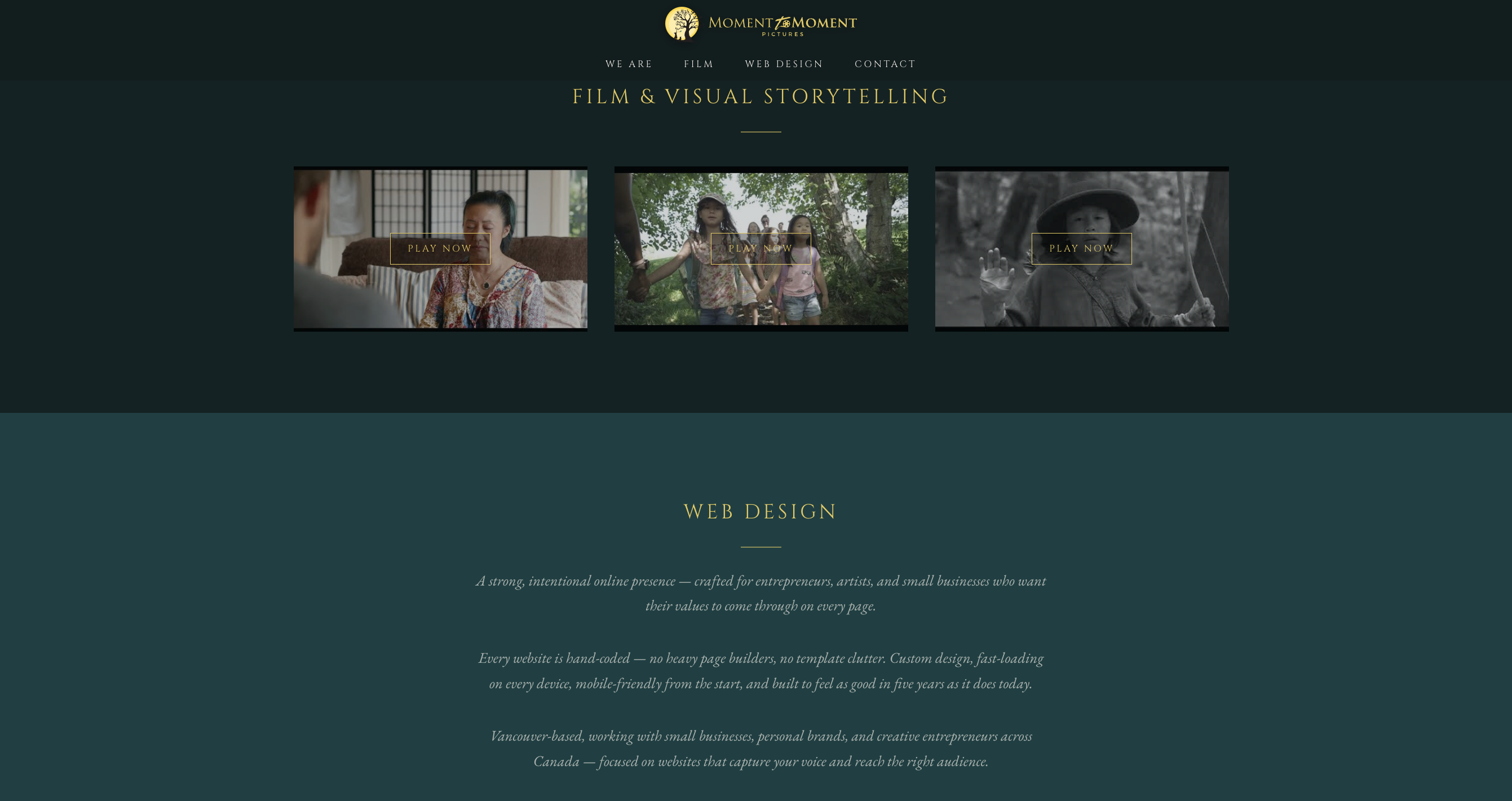
Six shown here. Two more run privately for clients.
Seen enough? Skip the figuring-it-out.
✦ Who this is for
Be honest — is this for you?
✓ Yes — this is for you
- ✓You run a business and time is the bottleneck
- ✓You've tried AI tools but can't get them to remember you
- ✓You run an agentic AI — or you'll let the included Kit build you one
- ✓You'd rather hand your AI a trained team than explain it all from scratch
- ✓You'd rather follow a proven path than figure it out from forums
✕ No — not for you
- ✕You don't have an active business yet — you're still researching what to start
- ✕You want zero involvement — you won't even add the operators in once
- ✕You want it done for you — that's the DFY tier
✦ Before you buy
What you actually need.
An agentic AI to run them
Not a chat window — an AI that can reach your files and tools. The included Setup Kit builds one.
About 15 minutes
Add each operator like a skill. That's the whole setup.
A skill, not software
Nothing to download and install. Your AI just takes on the role.
Already run one?
If you use an agentic AI already, the operators slot straight in.
✦ Get the core team
Your core team. One price.
Five pre-trained operators — Quill, Sage, Atlas, Pixel and Charter — — skills your AI runs to take on each role. And the AI COO Setup Kit, the setup that builds the AI to run them, is included free.
✦ Instant download
Yours forever
Instant download
The Trained Team
- ★Quill · Sage · Atlas · Pixel · Charter ALL 5 OPERATORSContent · research · admin & files · visuals · flowcharts — each pre-trained
- ✓Drop-in readyEach operator loads in like a skill — no build per operator
- ★AI COO Setup Kit INCLUDEDThe 9-chapter setup that stands up your AI — bundled free
- ★Start Here Guide INCLUDEDThe whole map — bundled in
The Trained Team
$388$28 one-time · yours forever
All five operators, pre-trained and ready to run as skills on your AI — and the AI COO Setup Kit that builds the AI to run them, included free.
- Quill · Sage · Atlas · Pixel · Charter — 5 operators
- AI COO Setup Kit (9-chapter setup) — included
- Start Here Guide bundled
Full-refund promise.
If this doesn't win back some of your time — email me for a full refund.
It's $28. Honestly, no one asks — but if you do, I'll sort it, no hoops.
- Instant download
- Yours forever
✦ Why this is different
You've trained people who left. You've never trained someone who stayed.
A new hire
30+ hours of your time to onboard. 18 months on average before they leave. Then you start over.
Your AI
One setup. Yours forever. Doesn't quit, doesn't get poached, doesn't need a 2-week ramp every time.
✦ Common questions
Before you get it.
What do I get?
Five pre-trained operators. That's it. No subscriptions. No surprises. Yours forever.
- Quill, Sage, Atlas, Pixel & Charter — content, research, admin, visuals and process. Each one pre-trained on how a real business runs.
- The AI COO Setup Kit — the full walkthrough to stand up your own dedicated AI, if you ever want one. Included free.
- The Start Here Guide — the whole map, bundled in. (Normally $18.)
Plus a refund: if it doesn't win back some of your time, email me and I'll sort you out. (My 13-year-old set hers up — if she can, I'm betting you can too.)
Is the Start Here Guide included?
Yes — bundled in. Buy the team and you don't need to buy the Guide separately. The Guide is the map; the operators do the work.
Do I need to be technical?
No. Every file is written for business owners, not developers. There are no commands to memorise, no jargon, no assumptions about prior knowledge.
What's an operator, exactly?
A pre-trained skill for your AI — like a Claude skill or a Claude Code skill. You add it to an agentic AI (one that can reach your files and run your tools) and it takes on the role: your voice, your process, the whole job. It's not something you paste into a chat window.
Do I need the Setup Kit, or my own AI?
You need an agentic AI to run the operators — one that can reach your files and tools, not a basic chat window. The included Setup Kit builds you exactly that (an old Mac is enough). Already run an agentic setup like Claude Code? The operators slot straight in.
Isn't this just ChatGPT or Claude?
Same underlying AI — the difference is what you hand it. Instead of a blank assistant that forgets you every session, you're giving it trained operators that already know the job, your voice, and how your business runs.
What if I want it done for me entirely?
That's the done-for-you tier. I build the whole thing, hand it over, and stay on as ongoing support. It's how I work with business owners who'd rather buy back time than learn the system themselves. Reply to any email after you read the Guide and we'll talk.